Turn operational complexity into seamless automation.
Connect your tools, coordinate multi-step workflows, and execute repeatable operations with speed, consistency, and control.
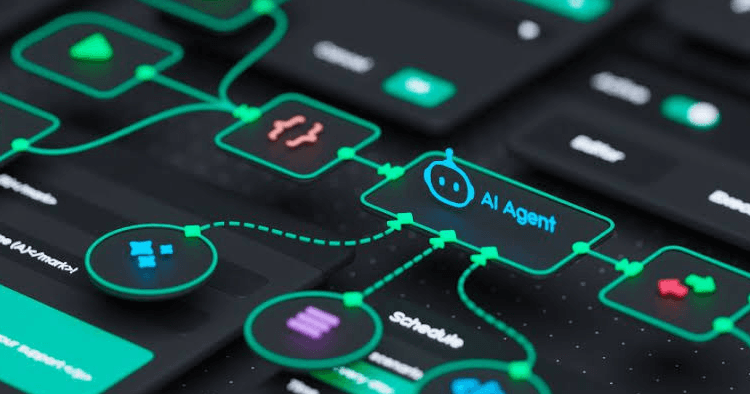
Manual operations create avoidable drag.

Fragmented workflows
Work scattered across inboxes, sheets, chats, and disconnected systems.

Repetitive execution
Teams spend hours on predictable actions that could be triggered.

Delayed response
Exceptions surface only after they hit customers, revenue, or ops.
One request, five coordinated steps.
Capture
A request, event, or message enters the workflow.
Understand
AI interprets context and the required next step.
Decide
Rules and data determine the appropriate action.
Execute
Connected systems update and tasks trigger automatically.
Escalate
Exceptions route to the right person, with full context.
Connected to the systems your teams already use.
What AI Automation can manage.

Customer & Lead Ops
Route enquiries, qualify intent, update records, trigger next actions.

Internal Service Delivery
Assign requests, collect info, track status, keep an audit trail.

Sales Operations
Prioritise leads, run follow-up sequences, enrich records.

Data & Reporting
Consolidate inputs, flag exceptions, generate and distribute summaries.
One pattern, applied where it matters.
A COD order stalls at checkout and needs verification before fulfilment.
Ready to automate the operations that slow your business down?
Explore how iNEST can design and deploy autonomous AI systems around your operational priorities.
Frequently asked questions.
Everything you need to know about our automation infrastructure.
Most deployments take between 2 to 4 weeks. We start with a rapid prototype within days, integrating directly into your existing setup.
All data is encrypted at rest and in transit. We maintain strict compliance with global security standards to keep customer records private.
Yes. Our engines natively support over 40 languages, automatically detecting accents and adapting to regional dialects in real time.
It triggers intelligent fallback routing. The moment it detects high complexity or frustration, it hands off to a human agent with a full summary.
No. The infrastructure is cloud-native and auto-scales instantly to handle unexpected spikes, whether it's 100 or 100,000 interactions a day.
We conduct an initial process audit, mapping your highest-volume, repetitive tasks to identify where automation will deliver the fastest ROI.